
Building a RAG System for Web Data with Llama 3.1-405B – Leon Motaung
Started: 2025-12-02
About this project
🤖 Building a RAG System for Web Data using Llama 3.1-405B
Author: Leon Motaung
Estimated Time: ~30 minutes
📌 Introduction
This guided project walks you through building a Retrieval-Augmented Generation (RAG) system using:
- LangChain
- IBM watsonx.ai
- Meta Llama 3.1-405B Instruct
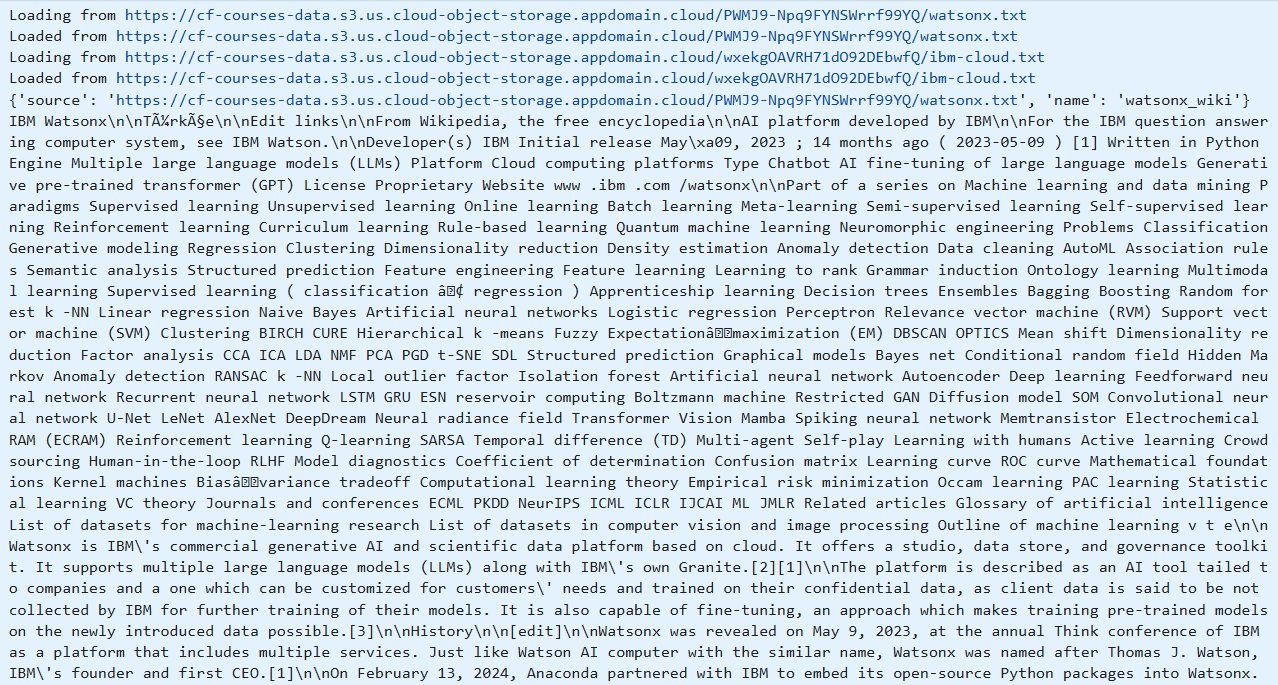
You will retrieve information from web pages, convert it into a searchable knowledge base, and use RAG to answer questions about IBM products.
📌 What Does This Project Do?
- Fetch content from IBM product web pages
- Convert web content into embeddings
- Store data in a vector database
- Use LangChain to build a retrieval pipeline
- Use Llama 3.1-405B on watsonx.ai to generate answers using retrieved context
Example:
pprint.pprint(chain.invoke("Tell me about IBM"), width=120)
🎯 Objectives
- Configure LangChain and Llama 3.1-405B models
- Build a RAG system for web-based information retrieval
- Retrieve and analyze live web data
- Generate context-aware, real-time responses
📚 Background
What is a Large Language Model (LLM)?
An AI model trained on massive text datasets capable of understanding, generating, and reasoning in natural language.
What is IBM watsonx?
A hybrid enterprise AI and data platform providing foundation models, governance, lifecycle management, and hybrid cloud deployment.
Why watsonx vs other cloud platforms?
- Strong enterprise governance
- Granular data privacy controls
- Hybrid and on-premise flexibility
- Optimized foundation models
- IBM-grade compliance & security
What is LangChain?
A Python framework for building LLM-powered applications using chains, retrievers, vector stores, and agents.
What is Llama 3.1-405B?
Meta’s 405-billion-parameter model optimized for reasoning, retrieval, coding, and enterprise AI tasks. Available as meta-llama/llama-3-405b-instruct on watsonx.ai.
What is Retrieval-Augmented Generation (RAG)?
RAG enhances LLM responses by retrieving real data and providing it as context before generation. Benefits include improved accuracy, up-to-date answers, and less hallucination.
⚙️ Setup
Install Required Libraries
pip install langchain langchain-community ibm-watsonx-ai bs4 requests
Watsonx API Credentials
You will need api_key, project_id, and watsonx_url. Example setup:
from ibm_watsonx_ai.foundation_models import Model

model = Model(
    model_id="meta-llama/llama-3-405b-instruct",
    credentials={"apikey": API_KEY, "url": WATSONX_URL},
    project_id=PROJECT_ID
)
© 2024 IBM Corporation. All rights reserved.